See It in Action
Full device cleanup workflow — authentication, selection, and removal.
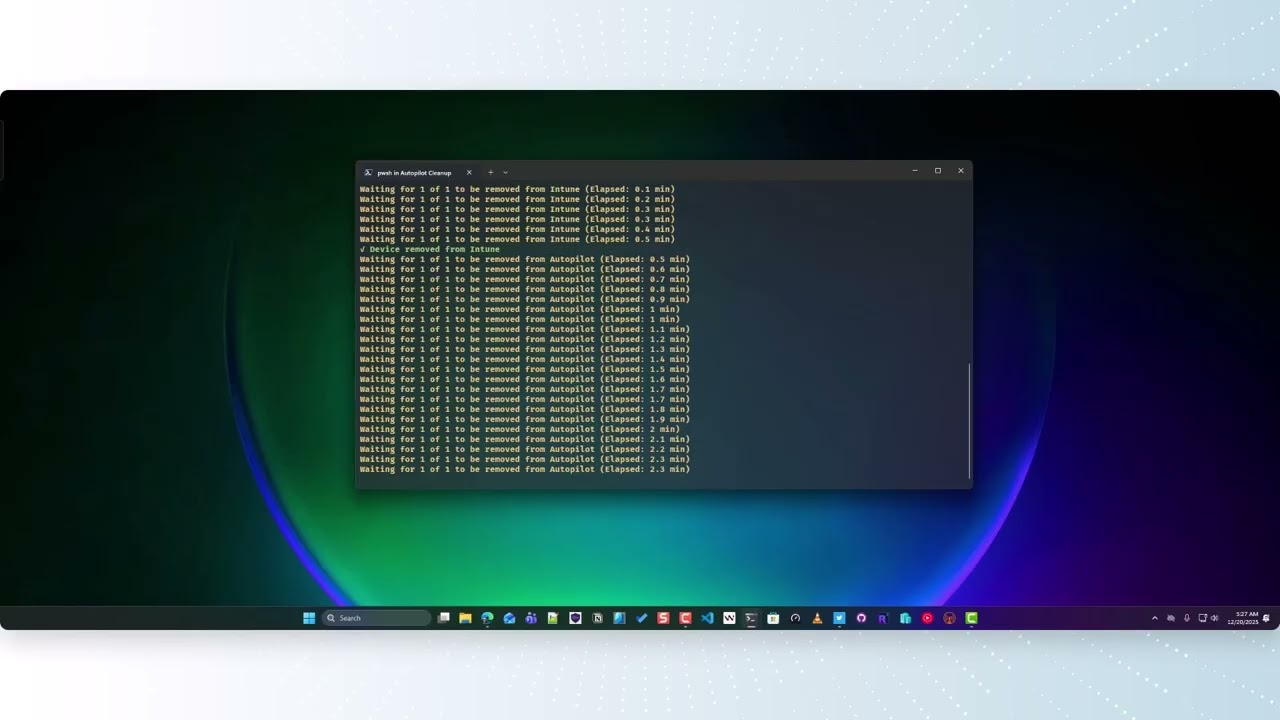
Bulk device cleanup across Autopilot, Intune, and Entra ID.
Remove devices from all three services in one workflow — with PowerShell.
Everything you need to clean up stale and decommissioned devices.
Remove devices from Autopilot, Intune, and Entra ID in the correct dependency order — all in a single workflow.
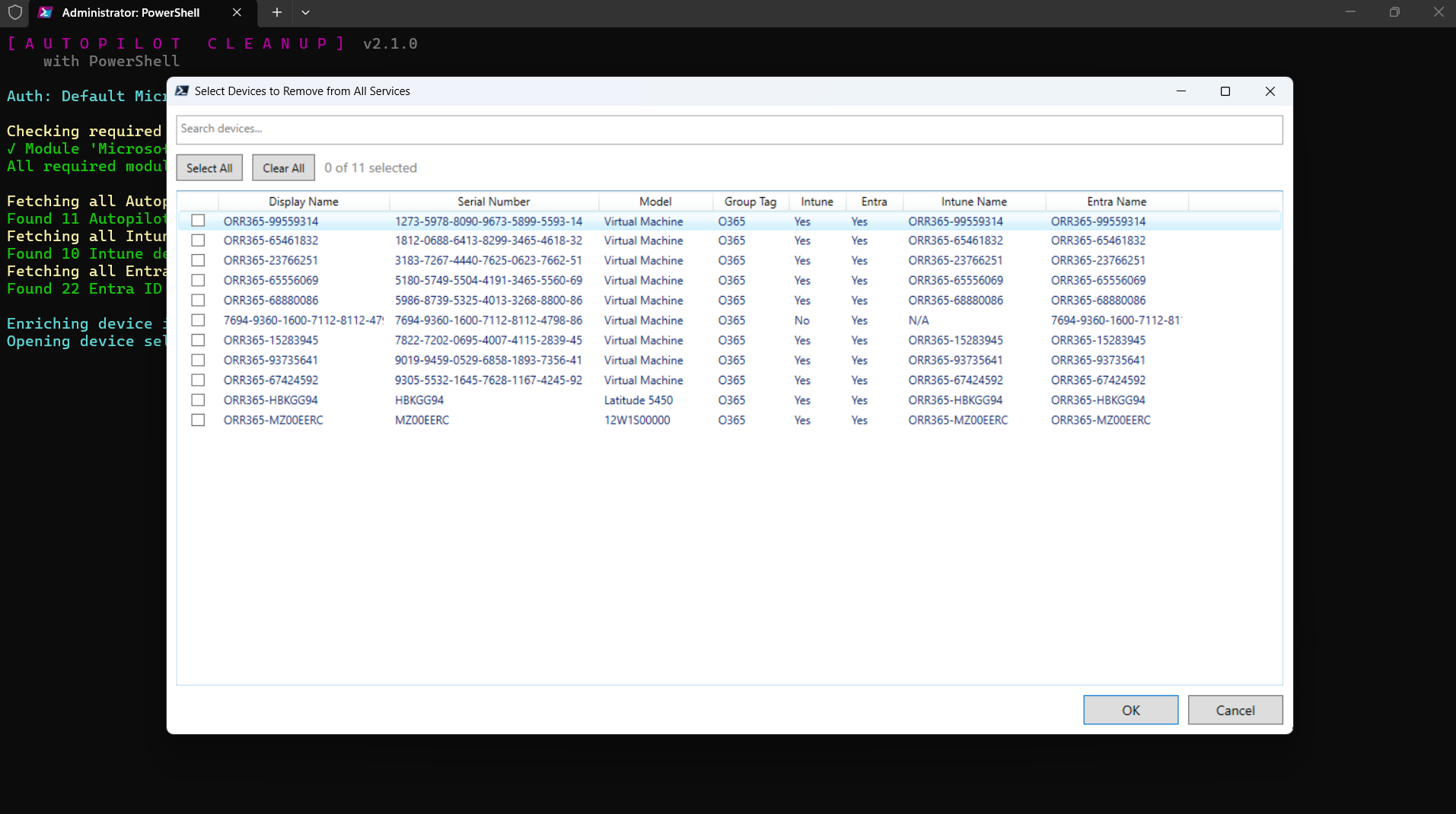
WPF grid view with search, multi-select, and GroupTag filtering. Pick exactly the devices you want to remove.
Bulk removal mode skips status checking for speed, then exports results to a CSV for review.
Prevents accidental deletion by validating serial numbers and flagging duplicate device names.
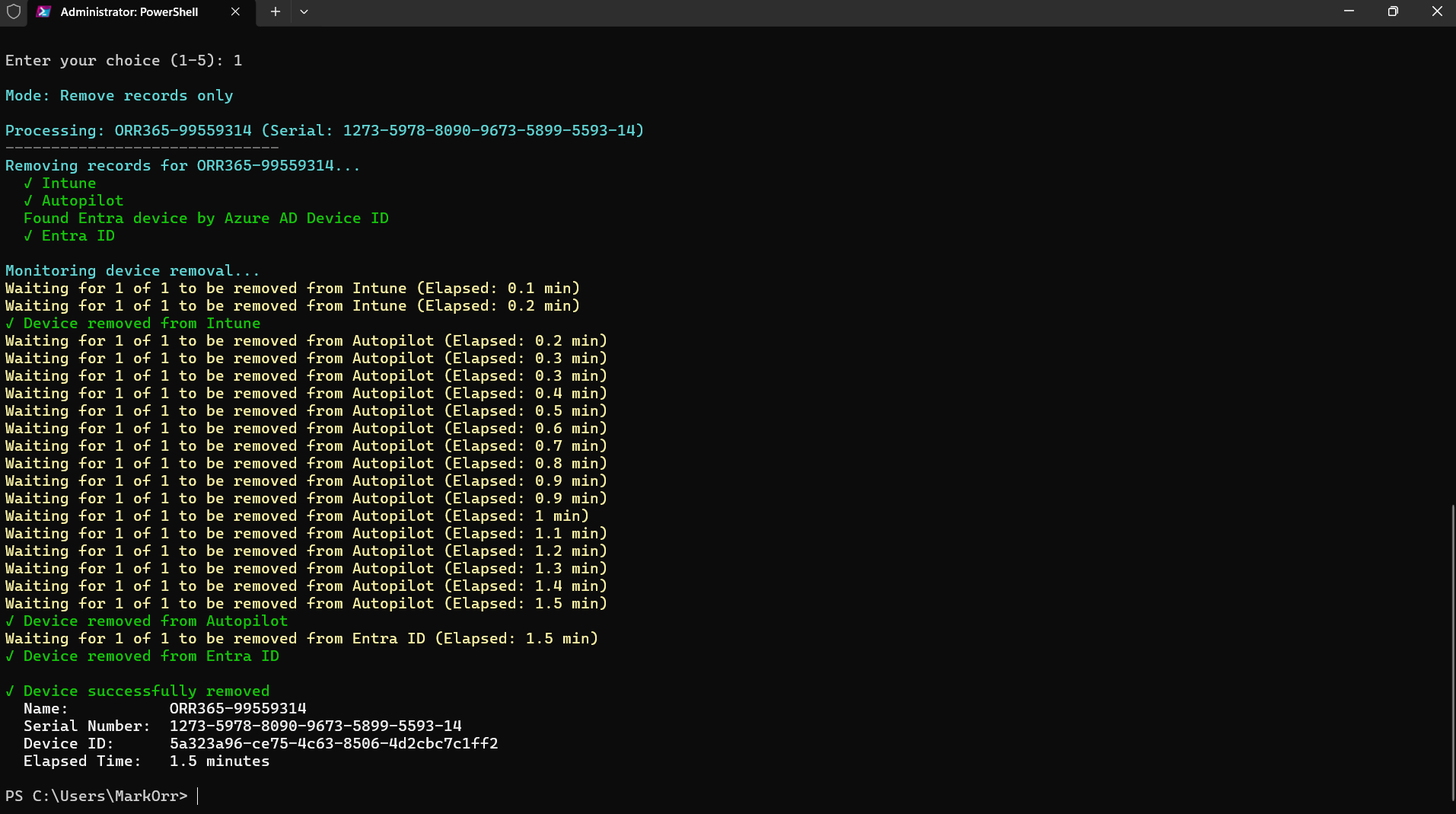
Tracks deletion progress with automatic verification across all three services, with up to 30-minute monitoring.
Preview exactly what would be deleted without making actual changes. Safe testing before real cleanup.
Optionally bring your own app registration with Configure-AutopilotCleanup. Persists across sessions via environment variables.
Auto-installs required modules on first run. No manual setup needed — just install and go.
Automatically checks PowerShell Gallery for new versions and prompts to update with the correct install method.
Full device cleanup workflow — authentication, selection, and removal.
The interactive device cleanup experience.
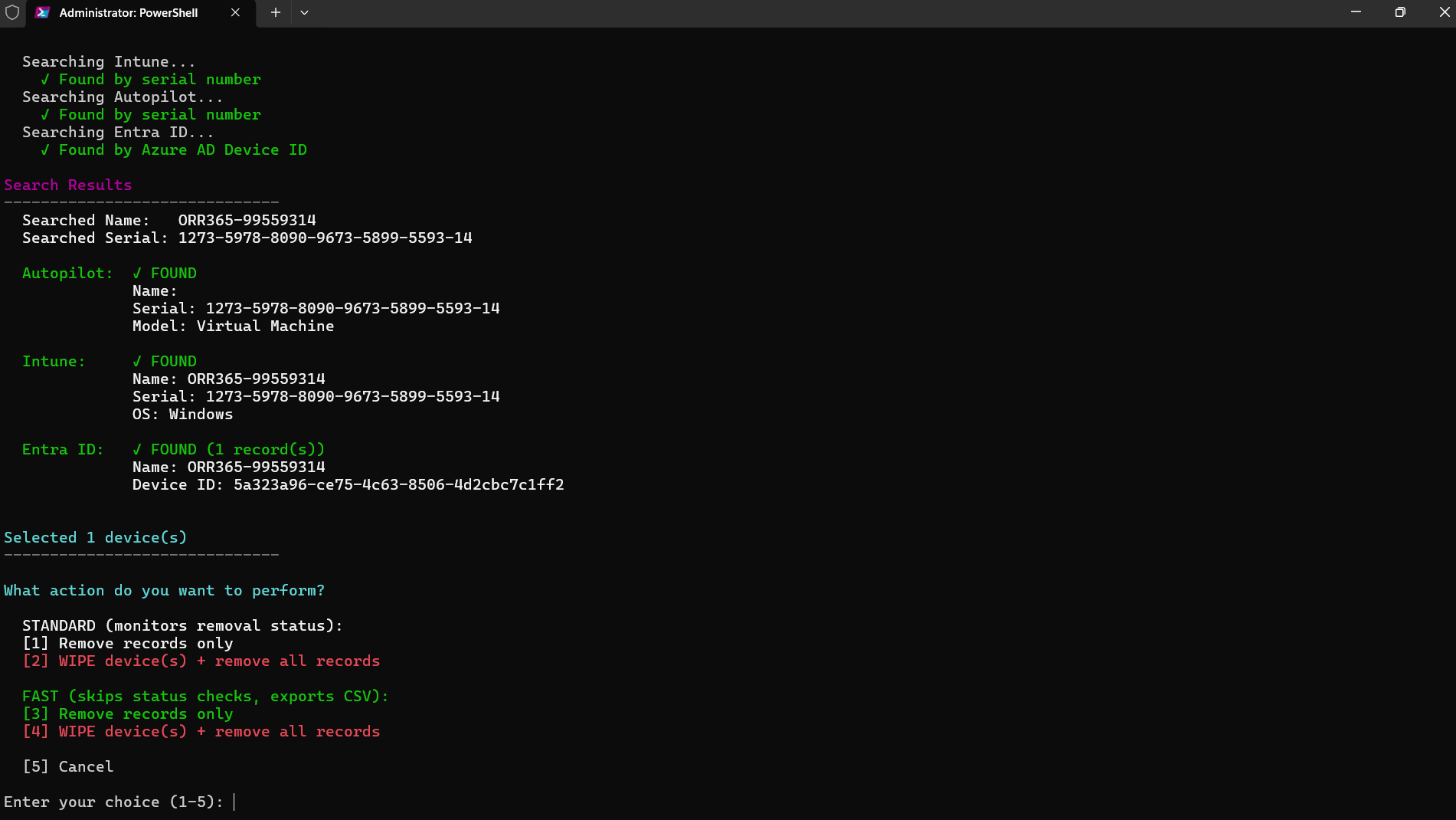
Devices are removed in the correct dependency order.
Connect to Microsoft Graph with the required scopes via browser sign-in.
Interactive WPF grid displays all Autopilot devices enriched with Intune & Entra data.
Management layer removed first to prevent re-enrollment conflicts.
Deployment service registration cleaned up after Intune removal.
Identity source cleaned up last, completing the full removal.
Monitors and confirms successful removal from all three services.
Up and running in two commands.
Command-line options for Start-AutopilotCleanup.
| Parameter | Type | Description |
|---|---|---|
| -WhatIf | Switch | Preview mode — shows what would be deleted |
| -ClientId | String | Client ID of a custom app registration |
| -TenantId | String | Tenant ID for the custom app registration |
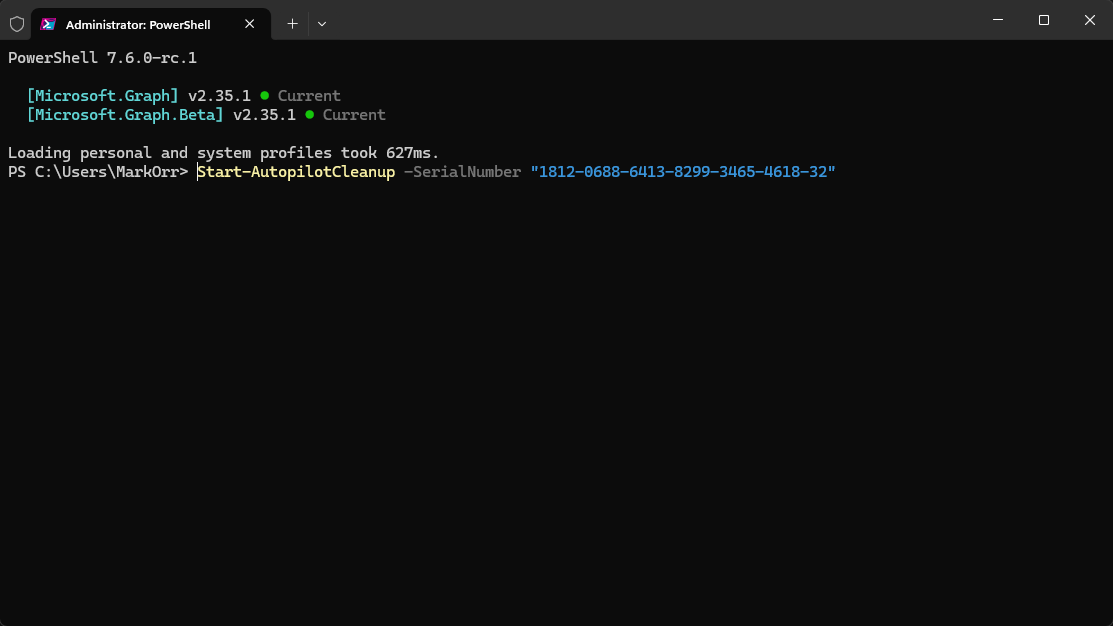
| -SerialNumber | String[] | One or more serial numbers to target directly, bypasses the WPF grid |
Required Microsoft Graph delegated permissions.